ARK: Survival Ascended console commands can recover a stuck survivor, test a server configuration, replace lost progress or administer a private community. They can also destroy structures, wipe wild creatures or change ownership instantly. Make a backup before destructive commands, check the target under your crosshair and save the world only after confirming the result.
This guide groups the commands players and server owners actually use. Command names are not case-sensitive. In single player, many commands work without a prefix. On a multiplayer server, first authenticate with the administrator password and prefix gameplay commands with cheat or admincheat. Parameters inside angle brackets are placeholders: type the value without the brackets.

1. Open the ASA console and authenticate
On PC with keyboard and mouse, the default ASA console key is the tilde key. On Xbox or PlayStation, enable Console Access in the game settings, pause the game and use the controller shortcut shown in the lower-left corner. ARK: Survival Evolved uses different shortcuts, so an old ASE instruction that only says press Tab is not a reliable ASA console guide.
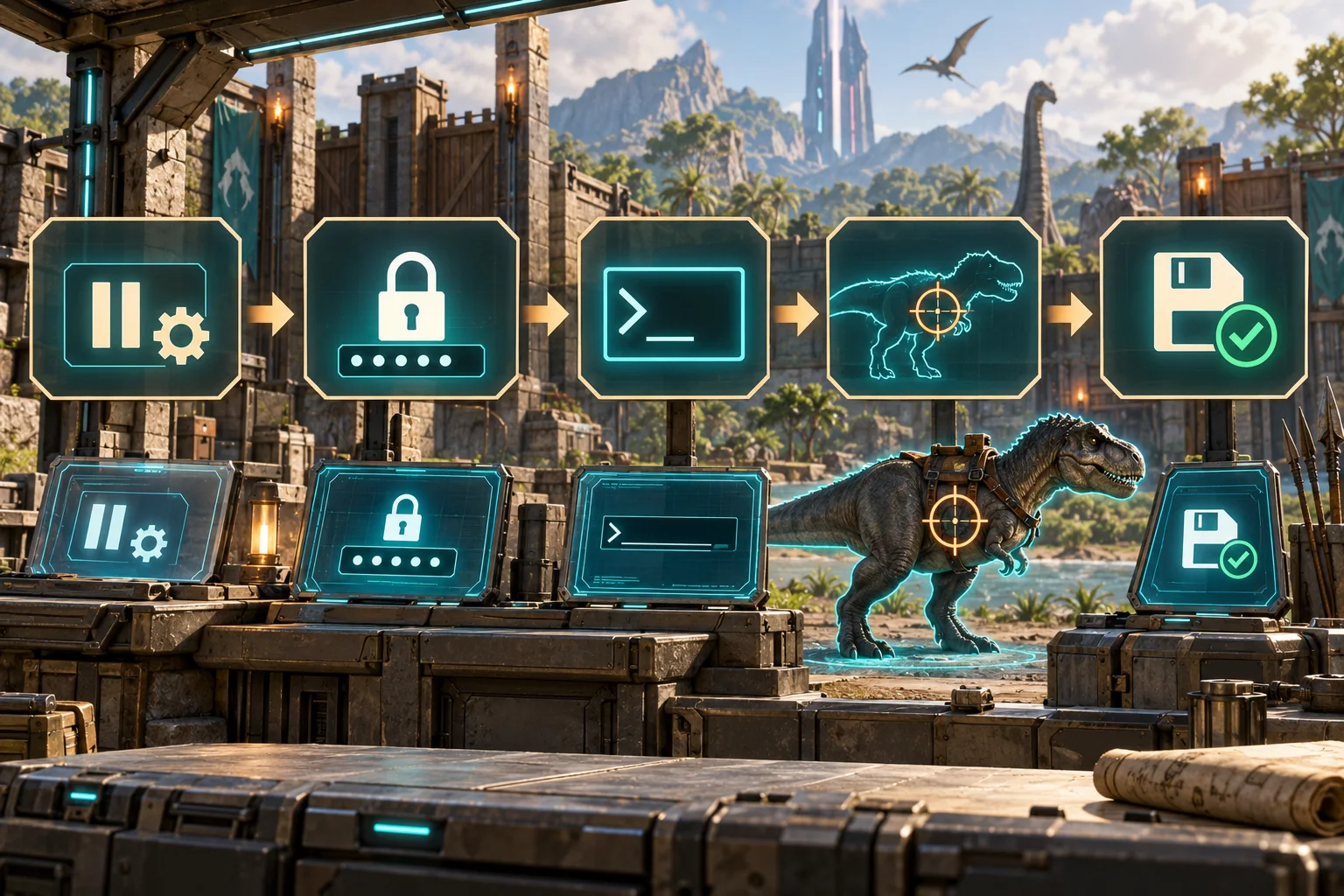
A local single-player world does not require admin authentication. On a multiplayer server, enter EnableCheats followed by the ServerAdminPassword. Never publish that password or confuse it with the normal join password. If a command changes nothing online, missing authentication or a missing cheat prefix is the first thing to check.
EnableCheats <ServerAdminPassword>
cheat SaveWorld
cheat ShowMyAdminManager
2. Player, survival and movement commands
God prevents most direct damage, explosions and fall damage, but it does not by itself prevent drowning. InfiniteStats keeps health, stamina, oxygen, food and water full; it does not increase carrying capacity and is not invulnerability. LeaveMeAlone combines God, InfiniteStats and EnemyInvisible true. GMBuff applies the same core effects and also grants experience.
Fly enables free flight, Ghost adds collision bypass and Walk returns ordinary movement. ChangeSize uses a multiplier where 1 is normal size. Creative mode adds crafting conveniences; running its command again toggles it off, although learned engrams may require a relog or death to refresh fully.
- cheat God - toggle most damage immunity.
- cheat InfiniteStats - toggle continuously refilled survival stats.
- cheat LeaveMeAlone - combine God, InfiniteStats and EnemyInvisible true.
- cheat GMBuff - apply the combined buff and grant experience.
- cheat EnemyInvisible true | false - change creature aggression toward you.
- cheat Fly, cheat Ghost and cheat Walk - switch movement modes.
- cheat ChangeSize <Multiplier> - resize the survivor; 1 restores normal size.
- cheat GiveCreativeMode or cheat GCM - toggle creative mode.
- cheat GiveCreativeModeToTarget - toggle it for the targeted player.
- cheat GiveCreativeModeToPlayer <PlayerID> - toggle it for a specified player.
3. Experience, engrams, items and equipment
Use GiveEngrams for ordinary engrams and GiveEngramsTekOnly for Tek engrams. AddExperience accepts an amount plus tribe-sharing flags; test a small value first because server XP multipliers affect the final award. GiveExpToTarget applies XP to the player or creature under the crosshair.
Armor and weapon set commands accept a tier and quality. GiveItem and GiveItemNum need an amount, quality and blueprint flag: 0 gives the finished item while 1 gives its blueprint. IDs and paths change as content is added, so use a current reference rather than an unexplained number from an old list.
cheat GiveEngrams
cheat GiveEngramsTekOnly
cheat AddExperience 1000 0 1 0
cheat GiveArmorSet Flak Ascendant
cheat GiveWeaponSet 2 Ascendant
cheat GiveItemNum <ItemID> <Amount> <Quality> <Blueprint:0|1>
cheat GiveResources
4. Spawn, tame and manage creatures
DoTame tames the creature under the crosshair through the ordinary tame result when that species is tameable. ForceTame forces the target to become yours and normally allows riding without a saddle. ForceTameAOE applies forced taming within a radius and is much easier to misuse; the commonly documented default radius is 2000 game units.
Summon creates a wild creature from its class name at your position. SummonTamed creates a tamed one, while GMSummon accepts a quoted creature blueprint identifier and a level. That number is the pre-tame level, so the final displayed level can be higher after bonus levels. SpawnDino offers precise offsets and level control but needs a full blueprint path.
- DestroyWildDinos removes wild creatures so the map can repopulate after a difficulty or spawn change.
- Kill deals lethal damage to the crosshair target; DestroyMyTarget removes the targeted entity.
- GiveDinoSet <Tier> <Quantity> creates a predefined creature set; tiers depend on game version.
- Back up before area tame, kill, destroy or ownership commands near a valuable base.
cheat DoTame
cheat ForceTame
cheat ForceTameAOE <Radius>
cheat Summon <CreatureClassName>
cheat SummonTamed <CreatureClassName>
cheat GMSummon "<CreatureBlueprint>" <Level>
cheat DestroyWildDinos
5. Teleport and targeting commands
Teleport moves the executing player forward until an obstruction is reached. TPCoords uses latitude, longitude and altitude rather than a single height value; the supplied Vietnamese example is incomplete on this point. Player teleport commands can use an ID or character name. Use ListPlayers or ShowMyAdminManager to identify the correct player first.
Target commands act on the creature, player or structure under the crosshair and cannot infer what you intended. Make the target unambiguous and test a harmless command before an ownership or destruction command.
cheat TPCoords <Latitude> <Longitude> <Altitude>
cheat Teleport
cheat TeleportPlayerIDToMe <PlayerID>
cheat TeleportPlayerNameToMe <PlayerName>
cheat TeleportToPlayer <PlayerID>
cheat ListPlayers
6. World, time and weather commands
SetTimeOfDay accepts a 24-hour time. Slomo changes the entire game-speed multiplier and 1 restores normal speed. The CE weather command is map-specific: a value that works on Scorched Earth may do nothing on The Island, and several Ragnarok values contain spaces and need quotation marks. The weather commands in the example are broadly real, but they are not universal.
DestroyWildDinos is commonly used after changing difficulty or spawn configuration. It removes wild creatures, not tames, and the map repopulates over time. Save first, allow recovery and verify several regions.
cheat SetTimeOfDay 06:30:00
cheat SetDay 1
cheat Slomo 1
cheat CE start_superheat
cheat CE "start rain"
cheat DestroyWildDinos
7. Server administration and safe recovery
SaveWorld forces the current world state to disk. Run it before a planned shutdown or after verifying a repair. DoExit shuts down the server; use the host's normal stop procedure when available so wrappers and backup jobs can finish. Broadcast sends a server-wide message, while KickPlayer, BanPlayer and UnbanPlayer use the identifier expected by the server.
Administrative power does not replace a recovery plan. Keep rotating backups outside the live save directory and confirm whether a list targets ASA or ASE. Legacy, DLC and mod-specific commands can differ, so test risky operations on a copy first.
- ShowMyAdminManager opens the admin interface and connected-player list.
- SetMessageOfTheDay <Message> changes the message; ShowMessageOfTheDay displays it.
- GetGameLog requires the server game-log launch option before it can return useful history.
- Never publish administrator passwords, platform IDs or private player information.
cheat SaveWorld
cheat Broadcast <Message>
cheat KickPlayer <PlatformID>
cheat BanPlayer <PlatformID>
cheat UnbanPlayer <PlatformID>
cheat DoExit
Common questions
Frequently asked questions
Do I type cheat or admincheat in single player?
Usually no. Many commands work bare in single player. On multiplayer, authenticate with EnableCheats and prefix gameplay cheats with cheat or admincheat.
Why does God mode still let my survivor drown?
God protects against most damage but does not maintain oxygen. Enable InfiniteStats as well, or use LeaveMeAlone, when oxygen must remain full.
Are ARK Survival Evolved and Survival Ascended commands identical?
Many carry over, but console access, platform support and some behavior differ. Treat legacy ASE lists and mod-specific commands as unverified until tested in ASA.
Is the supplied example list correct?
Most named commands are real, but some explanations are incomplete. TPCoords needs latitude, longitude and altitude; InfiniteStats is not invulnerability; weather values are map-specific; and GMSummon can produce post-tame bonus levels.